Allen Bradley 20BD011A0AYNANC0 PowerFlex 700 AC Drive Installation and Commissioning Guide
Time:2026-10-26 Browse: 2
PowerFlex 700 AC Drive Installation Requirements and System Planning
The Allen Bradley 20BD011A0AYNANC0 PowerFlex 700 AC Drive requires correct power wiring, motor parameter configuration, and control interface verification before commissioning. A reliable installation starts with confirming the drive nameplate, supply voltage, motor ratings, enclosure requirements, and the intended control method. These checks help prevent nuisance trips, incorrect motor rotation, and unexpected startup behavior.
The PowerFlex 700 is designed for industrial AC motor speed control. Its performance depends not only on the drive itself but also on the surrounding electrical installation, grounding arrangement, protective devices, and system configuration.
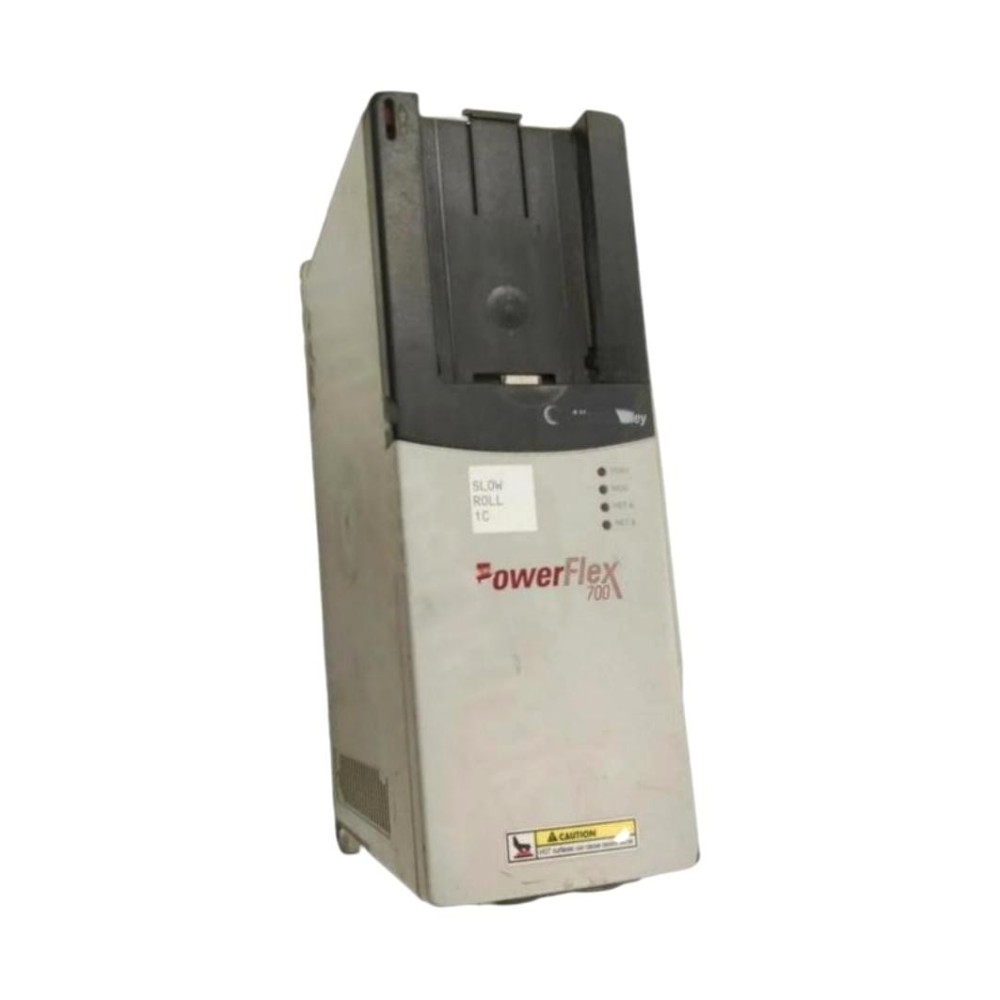
Pre-Installation Checks for the 20BD011A0AYNANC0 Drive
Before mounting the drive, compare the product nameplate with the electrical drawings and motor documentation. Verify the exact voltage class, current rating, enclosure requirements, and applicable installation instructions for this catalog number.
Pay particular attention to the following:
Supply compatibility: Confirm that the incoming three-phase supply matches the drive's rated input voltage.
Motor suitability: Check motor rated voltage, full-load current, frequency, and speed.
Panel environment: Evaluate ambient temperature, airflow, contamination, and available cabinet clearance.
Protection and isolation: Confirm branch-circuit protection, disconnecting arrangements, and applicable electrical codes.
Control design: Identify whether the application uses terminal commands, a communication adapter, or another supported control interface.
Do not assume that two PowerFlex 700 catalog numbers have identical electrical ratings or installed options. Confirm the exact hardware configuration before wiring.
Power Wiring and Grounding for PowerFlex 700 Commissioning
Mount the drive securely in an enclosure that meets the manufacturer's environmental and clearance requirements. Connect the protective earth conductor to the designated grounding terminal and follow the installation manual for input and motor cable routing.
Keep motor power cables separated from low-level analog signals, encoder wiring, and communication cables where practical. Use the recommended cable shielding and grounding methods for the installation. Poor cable routing or grounding can introduce electrical noise that affects feedback signals and control stability.
Before energizing the 20BD011A0AYNANC0:
Inspect incoming power connections and motor terminal tightness.
Verify protective earth continuity.
Check that the motor cable is connected to the correct output terminals.
Confirm that external start circuits cannot issue an unexpected run command.
Follow the manufacturer's discharge-time requirements and verify the DC bus is at a safe voltage before touching internal components.
Never connect incoming AC supply conductors to the drive's motor output terminals.
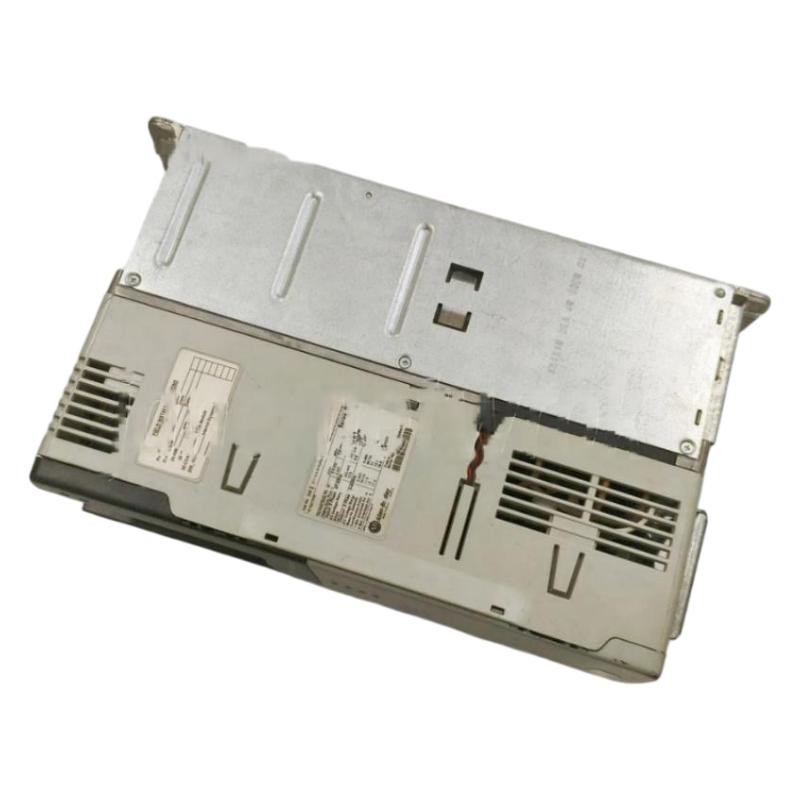
PowerFlex 700 Motor Setup and Initial Commissioning
The first Setup / Commissioning task is to enter the motor nameplate data using the drive's supported parameter interface. Configure the motor voltage, rated current, frequency, speed, and other parameters required by the selected control mode.
Review acceleration and deceleration times against the machine's mechanical limits. A heavily loaded conveyor, for example, may need a different deceleration strategy from a lightly loaded fan. If the application uses encoder feedback or network control, verify the associated hardware and parameters before attempting a full-speed run.
A practical commissioning sequence is:
Complete electrical inspections with the equipment isolated.
Energize the drive with the machine in a safe condition.
Check for active faults and confirm the displayed supply and status information.
Test the selected start/stop command source at low operating speed where permitted.
Verify motor rotation, current behavior, and speed response.
Test normal stopping and any required interlocks before releasing the machine for operation.
If motor rotation is incorrect, isolate the equipment and follow the manufacturer's procedure for correcting phase connections. Do not make wiring changes while the drive is energized.
Field Validation of the 20BD011A0AYNANC0 PLC and Drive Interface
When a PLC Controller commands the PowerFlex 700, commissioning should include both the electrical drive and the control system. Confirm that the PLC output or communication command changes as expected, that the drive recognizes the command source, and that status feedback returns correctly.
For a hardwired interface, check the control supply, common reference, input configuration, and terminal states. For a network-controlled system, verify the communication adapter, node addressing, data mapping, and drive command/status configuration.
In a representative commissioning scenario, a drive may power up normally while the motor remains stopped. The useful diagnostic question is whether the drive is receiving a valid run command. If the PLC output changes but the drive input status does not, inspect the wiring and input configuration before suspecting an internal drive failure.
Record the final parameter values, fault history, motor current, and successful test results. This documentation makes later Troubleshooting more efficient and provides a baseline for maintenance.
Long-Tail Keywords for Allen Bradley 20BD011A0AYNANC0 Installation
This Installation Guide addresses common search requirements for Allen Bradley 20BD011A0AYNANC0 PowerFlex 700 AC Drive installation, PowerFlex 700 motor parameter setup, PowerFlex 700 commissioning procedure, Allen Bradley variable frequency drive wiring, PLC-to-drive control configuration, and PowerFlex 700 startup verification. Always use the exact catalog-number documentation when confirming terminal assignments, electrical ratings, and supported functions.